
ClickPop technology, chapter by chapter


Vibe Direct
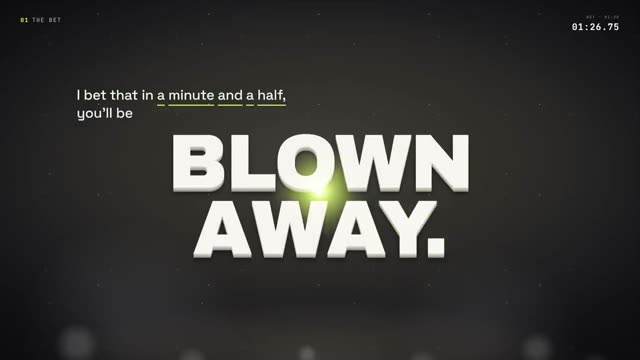
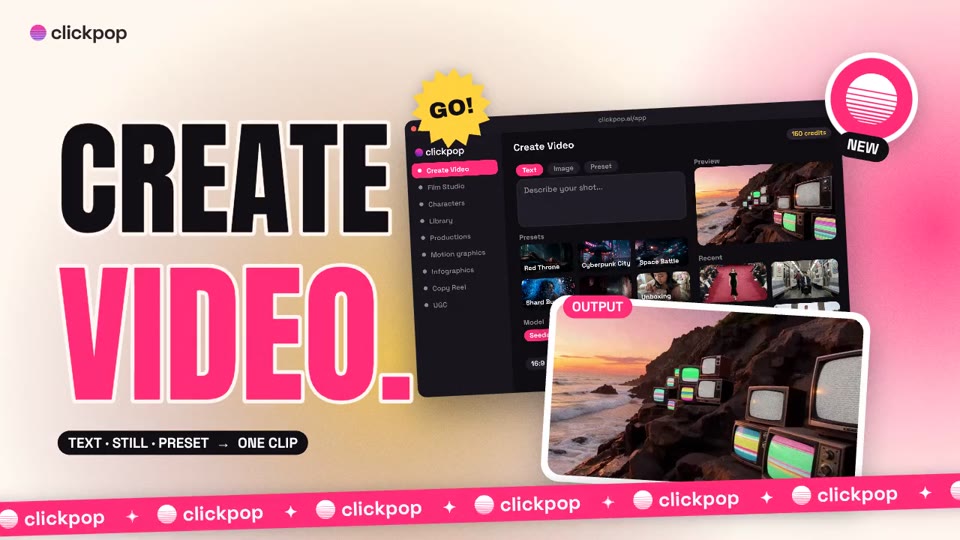
One brief in. A finished, cut video out.
- 1You giveA brief and three answersSay what the video is for, or pick one of 20 quick starts.
- 2It doesPlans, shoots and cutsWrites the shot list, films each shot, cuts to the beat with titles and sound.
- 3You getThe finished videoGraded and ready to post. Change any shot on the storyboard first.


Character Swap
Your character in any clip. The moves, the timing and the sound stay.

Dreamstage
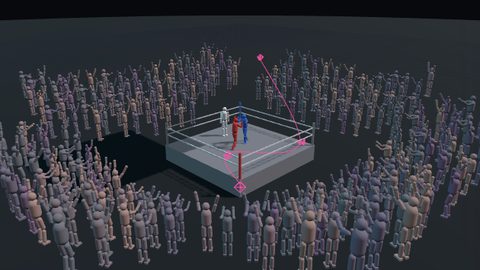
See the shot in 3D first. Pay only for the one you like.
- 1You giveOne lineThe set, the actors and what happens.
- 2It doesBuilds a 3D previewFly the camera like a drone or a crane until the framing is right.
- 3You getThe real shotMake it real films that exact framing as video on Seedance, Veo or Kling.
Film Studio
Call every shot the way a director of photography would.
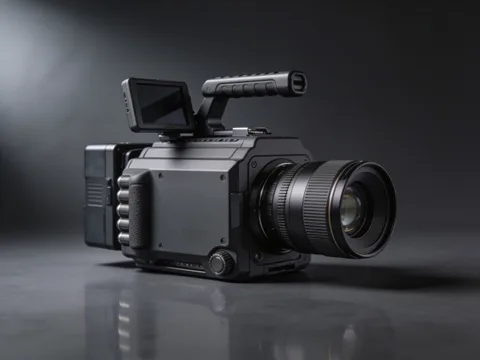 Step 1Pick the camera16 bodies, from IMAX film to an iPhone.
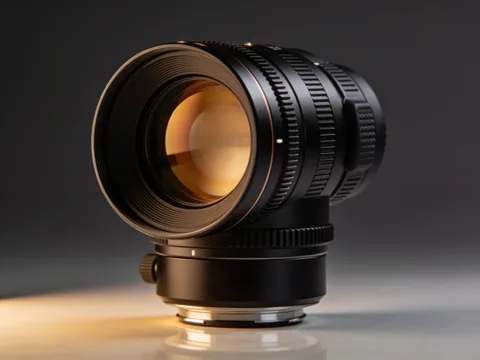 Step 2Pick the lens12 lenses: primes, anamorphic, vintage glass and probe macro.
Grades, light and camera
Pick a look once. Every shot follows it.
- 1Grade430 colour gradesFilm stocks, eras, places and darkroom processes.
- 2Light54 lighting setupsFrom Rembrandt and three-point to neon night.
- 3Camera16 moves, 54 effectsPlus 13 prompt recipes in Create Video and Film Studio.

 OriginalKodak Vision3 500T
Colour grades from Lightroom-Presets by peva3 (MIT) and AI Cinema Studio Engine by PopTech Studio (MIT). Film stock names describe the look emulated; no affiliation. Camera moves, lighting and effects adapted from AI Cinema Studio Engine by PopTech Studio (MIT). Prompt recipes adapted from Awesome Seedance by LearnPrompt (CC BY 4.0).
Characters
Design a character once. The same face in every shot.
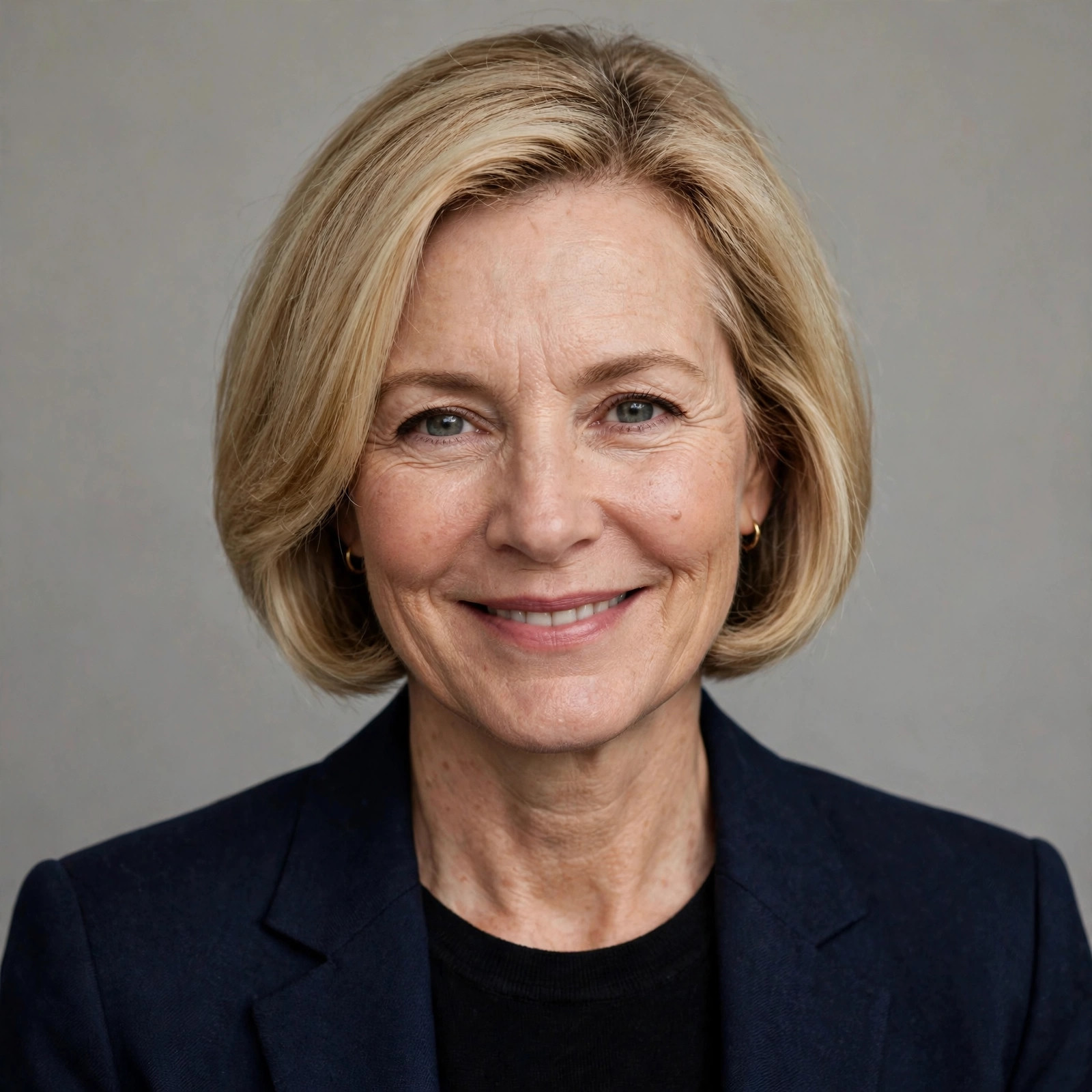 You getOn file
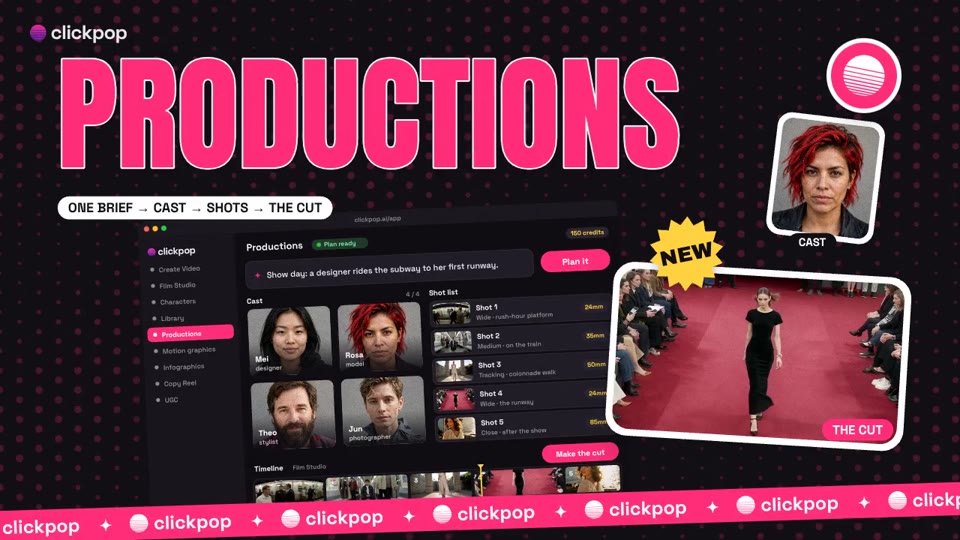
Productions
One paragraph in. A cast, a shot list and the cut out.
- 1You giveOne paragraphThe story, the length and the look.
- 2It doesPlans it like a crewA sheet for every character, prop and place, then positions, timing and dialogue per scene.
- 3You getThe cutEach scene rendered in the studio that fits it, then cut together in order.
Synapse
Say what you want. Approve the price. It does the rest.
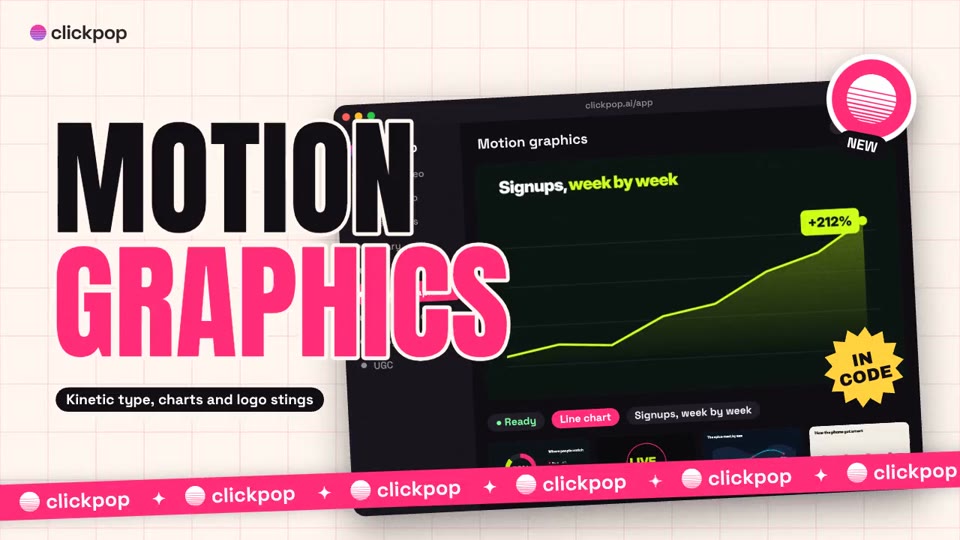
Motion graphics and explainers
Every word and number on screen is exactly what you wrote.
- 1You giveYour script and numbersA topic, a script or a table of figures.
- 2It doesAnimates it in codeNot guessed by a video model, so text stays sharp and charts are right.
- 3You getExplainers, charts and stingsVertical or widescreen, in your brand colours. 27 code video formats.
Effects library
16,325 effects, transitions, 3D shots and sounds, ready in the cut.
API and MCP
Put ClickPop inside your own app or AI assistant.
- 1You giveAn API keyOr connect the MCP server to an assistant that speaks MCP.
- 2It doesPrices, then rendersA dry run prices the job without rendering. Python and Node SDKs.
- 3You getA finished filePoll the video until it succeeds and download the file, or let the assistant hand back the link.
# price it first, nothing renders
POST /api/v1/videos
{ "character_id": "your-character-id",
  "story": "A weekday product demo",
  "dry_run": true }

# then render and poll it
GET /api/v1/videos/vid_...
→ "status": "succeeded"