
How to create a consistent AI influencer
The locked-description method for keeping an AI influencer's face, hair, wardrobe, and voice identical across hundreds of videos.
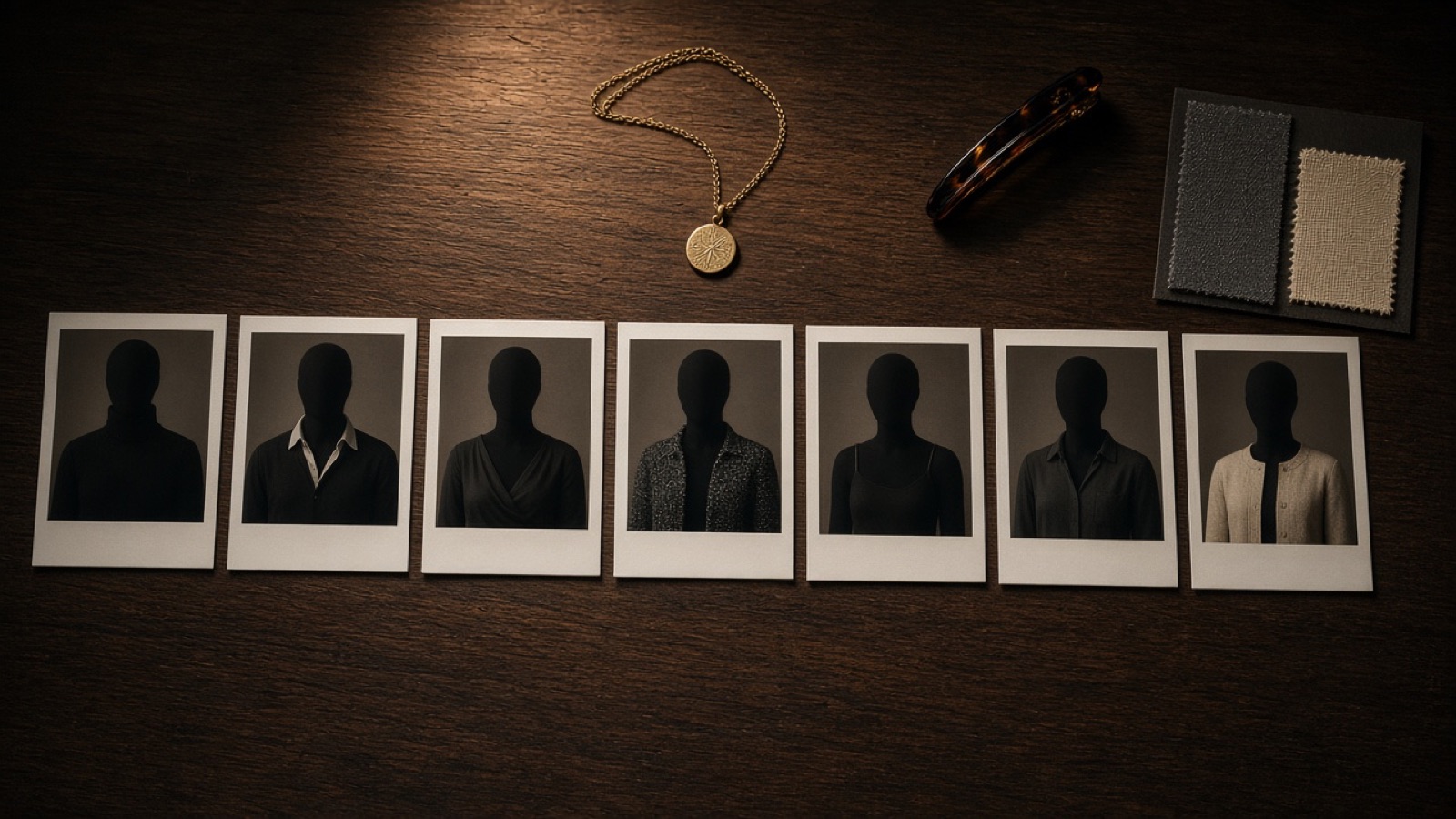
Consistency is a writing problem first
Most AI influencers drift because every prompt describes them slightly differently. One day she has hazel eyes, the next day green. The necklace changes shape. The hair gets shorter, then longer again. Viewers notice within three videos, and a channel that is supposed to feel like one person starts to feel like a casting call.
This is not a model problem. The video model renders exactly what you describe, so when the description wobbles, the face wobbles. Every paraphrase is a small mutation, and fifty mutations later you have a stranger wearing your character's name.
The fix is boring and it works: decide who she is once, in writing, and then never paraphrase it again. One paragraph. The same words. Every render. Consistency is a copy-paste discipline, not a rendering trick.
Write a locked character description
A character description is a single paragraph that describes the character in concrete, visual terms: age, skin tone, freckles or marks, eye color, hair length and parting, jewelry, signature outfit, posture, and voice. It should read like a casting note, not a poem. If a stranger could not sketch her from it, it is too vague.
Good anchors are small and distinctive: a beauty mark above the left eye, three small gold hoops on the left ear only, a square pendant with an initial. These give the model fixed points to hold onto across renders. Vague words like pretty, stylish, or aesthetic give it nothing to lock, so every render becomes a new guess.
In Click Pop the Character Builder writes this paragraph for you from a niche, a city, and a few look choices, then stores it. Every render receives the same text, word for word. You do not retype it, you do not summarize it, you do not improve it on clip forty. The description is frozen.
Change the scene, not the person
A channel dies of boredom if every clip looks identical, so let the outfit and the setting vary per video. The rule is simple: the face, hair, and jewelry stay fixed, everything else can move. A per-clip outfit override is safer than editing the description, because the description remains the single source of truth and the override is clearly temporary.
Plan variety in batches. Pick five locations for the week (kitchen, balcony, street, car, cafe) and three outfit families (casual, going out, workout). Rotate them against the same locked face. Viewers read this as one person living a life, which is exactly the effect you want.
Resist the urge to tweak the face when a render comes back slightly off. Nine times out of ten the problem is the scene (bad lighting description, a crowded background), not the description. Fix the scene, keep the person.
Frame for identity
Shot choice matters as much as the prompt. Full-body or waist-up shots at a natural distance give the model the most information about who this person is. A single continuous take with one spoken line gives it the fewest chances to wander. Simple framing is a consistency tool.
Avoid the shots where faces break: extreme close-ups, mirrors, crowds, and fast whip pans. Logos and text on clothing also cause trouble, since the model tries to render lettering and distorts the surrounding area. If you need a close-up for emotion, keep it brief and keep the jewelry visible as an anchor.
Review the first five clips side by side before you scale. Put them in a row and look for drift in the eyes, the hairline, and the jewelry. If all five read as the same person, the lock is holding and you can batch with confidence. If not, fix the description now, when it costs five renders, not fifty.
Checklist
One description paragraph, never paraphrased. Three visual anchors minimum (a mark, a jewelry item, a hair detail). A fixed voice description so the audio matches the face. Outfit and setting handled as per-clip overrides, never description edits.
Spoken lines kept to six to ten seconds. Simple framing: waist-up or full body, one take, no crowds or mirrors. First five clips reviewed side by side before any batch rendering.
When drift appears, check the scene first and the description last. Log which overrides you used per clip so you can trace what changed. A channel that follows this checklist can run hundreds of videos with one recognizable face.